We welcome a guest writer Mislav Đomlija, Software Engineer at Konstrukt — the company behind the open-source Omakase Player — to introduce the live playback from TAMS functionality.
Introduction
Omakase Player established itself as the first TAMS native media player. Since then, we have introduced multiple improvements, but the enhancement covered in this article brings a next level experience by simplifying TAMS media playback and temporal data visualization.
TAMS is an innovative standard for media storage that operates on a principle of “store once, use everywhere”. It works by storing media segments as addressable entities, allowing users to not only store but also edit, cut, and combine media without storing it again. TAMS also supports live use cases, ingesting media segments during a live production.
Omakase Player is now fully TAMS native, treating TAMS as just another media format (like HLS or MP4). The Player fetches and parses all TAMS media and metadata allowing for a fully holistic and seamless playback experience. For TAMS live resources, we leverage Omakase Player’s support for live media by creating an HLS-compatible manifest from a TAMS resource URL.
Omakase Player supports three playback modes: VOD, Event, and Continuous Live. VOD involves the playback of a fixed collection of segments representing pre-recorded video content. Event, often referred to as Start Over, allows segments to be appended (but not removed) to a collection. Continuous Live, often referred to as Sliding Window Live, allows for both appending and deleting of segments.
Since TAMS time ranges can represent open-ended intervals, a natural mapping arises:
-
VOD - Time range with start and end, e.g.
[0:0_600:5). Since the time range is bounded, we expect no new segments -
Event - Time range with start only, e.g.
[600:5_. Due to no end time being specified, new segments will be appended to the TAMS resource and we will include them during playback -
Continuous - Rather than specifying a time range, a client can supply a duration that acts as a live sliding window duration, adding and removing media segments to keep the requested duration loaded into the player
Omakase and TAMS
Omakase Player supports TAMS natively; it communicates with the TAMS API, fetches metadata and segments, and bootstraps playback. Client code needs no specific TAMS requests other than providing a viable authentication function. This allows clients to create TAMS playback experiences with just a few lines of code:
const omakasePlayer = new OmakasePlayer({
  playerHtmlElementId: "omakase-player",
});

omakasePlayer.setAuthentification({
  type: "custom",
  headers: (requestUrl: string) =>
    requestUrl.startsWith(apiEndpoint)
      ? { headers: { Authorization: `Bearer ${token}` } }
      : { headers: {} },
});

omakasePlayer.loadMainMedia(`tams.example/flows/flow-1234`, {
  mainMediaType: MainMediaType.TAMS,
  timerange: "[0:0_719:0)",
});
If the specified flow is ingesting, then by simply changing the time range in the load options, we can load the same media in Event mode. In that case, Omakase Player will adaptively poll the TAMS backend and refresh the manifest for seamless live playback.
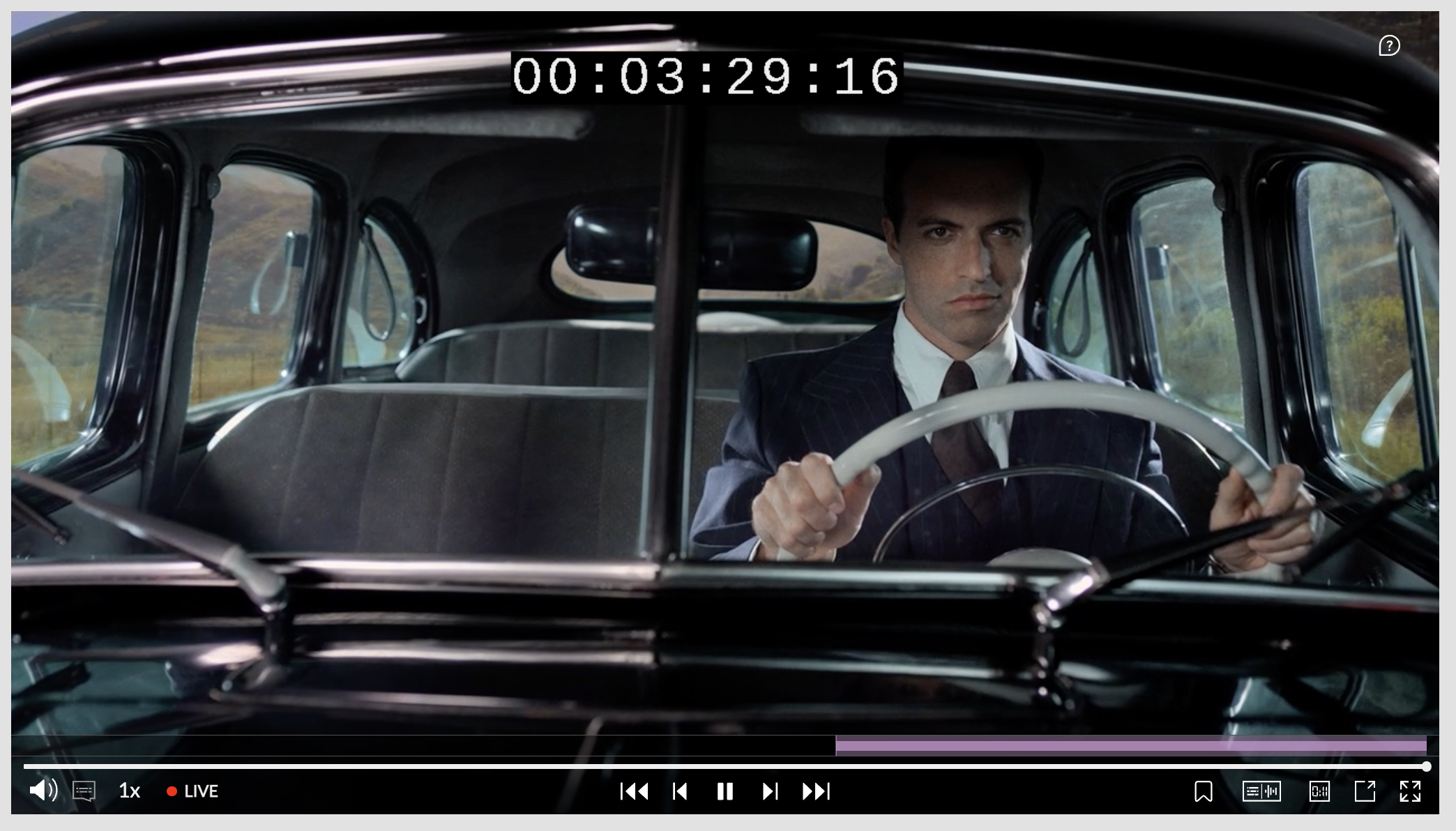
Omakase Player is built with data visualization in mind; through its interactive timeline, clients can visualize bitrate, audio levels, thumbnails, and subtitles, among others. Furthermore, Omakase’s timeline component is compatible with all playback modes, allowing Omakase to support rich live workflows. Omakase Player handles visualization, and the good news, TAMS handles the storage. TAMS, in addition to audio and video, supports the storage of image, data, and text information. Omakase Player will automatically create a thumbnail track when it detects an image flow. These tracks can be used by Omakase’s chrome to make scrubbing easier. They can also be added to a timeline to provide a visual anchor around which to display metadata.
Omakase Player leverages a modified version of the hls.js’s VTT rendering engine to achieve extremely lean and efficient subtitle presentation. TAMS resources can have hundreds of text segments. Rather than fetching, merging and aligning these segments all at once, Omakase Player fetches them when needed, achieving frame-accurate text and media alignment.
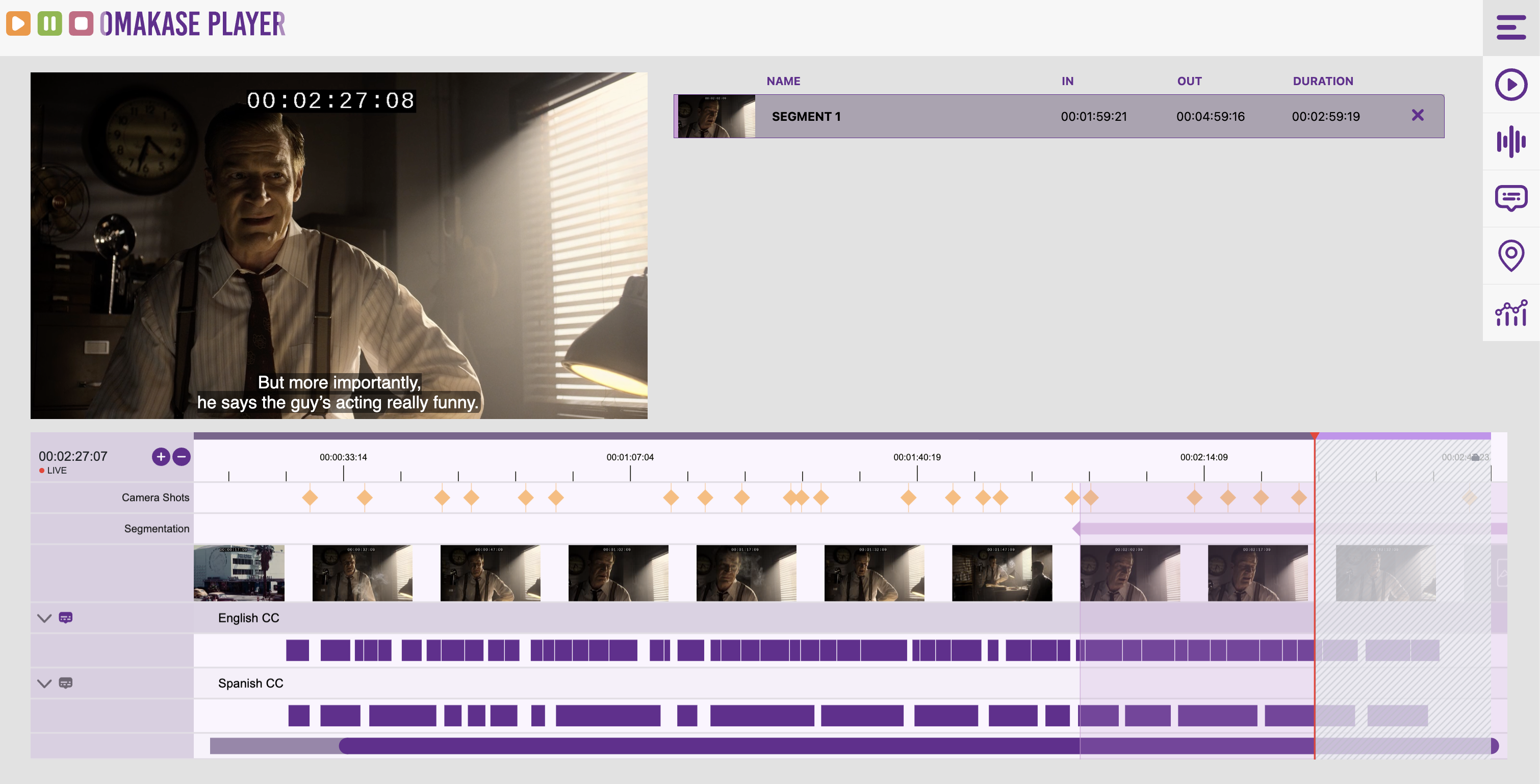
Omakase Player can be used to implement a basic playback experience on top of a TAMS store, but punches well above its weight when complex TAMS-based visualization experiences are required. Due to its rich timeline, frame-accurate playback engine, and ability to seamlessly integrate with third-party systems, Omakase Player can anchor a rich professional media experience.
What’s Next?
We are working with the team behind TAMS Tools to port their distribution to the newest version of Omakase Player. The port will provide a more in depth reference for integrating Omakase Player with TAMS and will also demonstrate Omakase Player’s live support. TAMS Tools will now be able to play and visualize live sources and flows. We are excited to see how continuous improvements to the TAMS API open additional possibilities for Omakase Player and TAMS interoperability, further strengthening an evolving open-source media ecosystem.